As an Amazon Associate I earn from qualifying purchases. Links in this article may be affiliate links. How we choose gear
Do golf swing analyzers fix a swing, or do they only describe your miss in more decimal places? It depends on whether the number on the screen is the one that causes the miss. Spend a season of 2027 range sessions watching the wrong metric and you end up with an expensive gadget and the same slice.
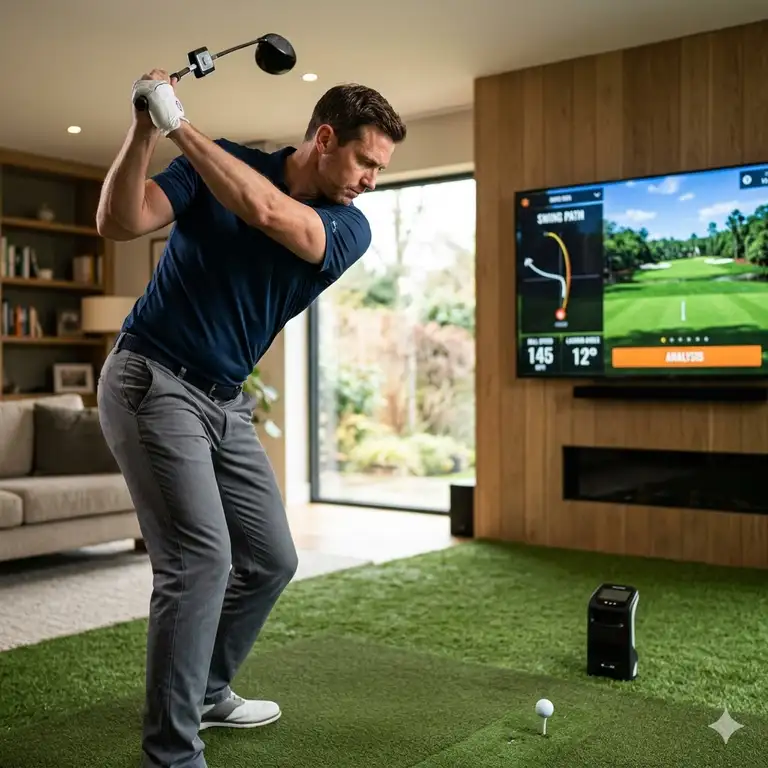
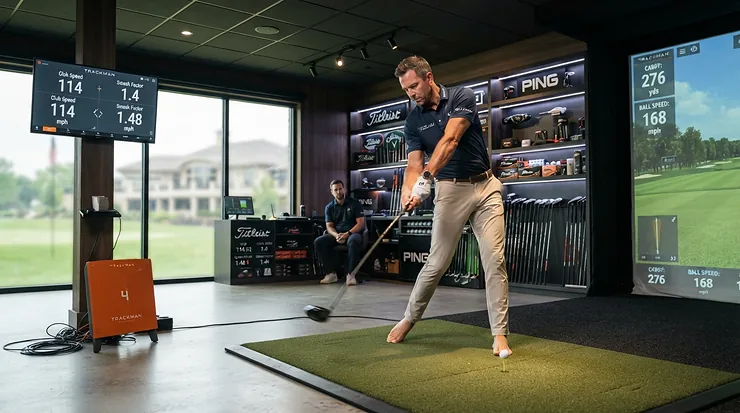
This guide leans on maker spec pages, independent tester write-ups and owner reviews, and because Amazon prices were not checked, every cost below is a range taken from the page named. A golf swing analyzer can be a radar unit sitting behind the ball, a sensor strapped to your wrist or a plastic cue clipped to the grip, and the four tools here cover all three.
What a golf swing analyzer and a launch monitor each leave out
The labels blur. Golf.com’s roundup of analyzers and trainers puts a wristband near $700, a set of sensor grips and a swing-path trainer under $50 in one list, which tells you how wide the category is.
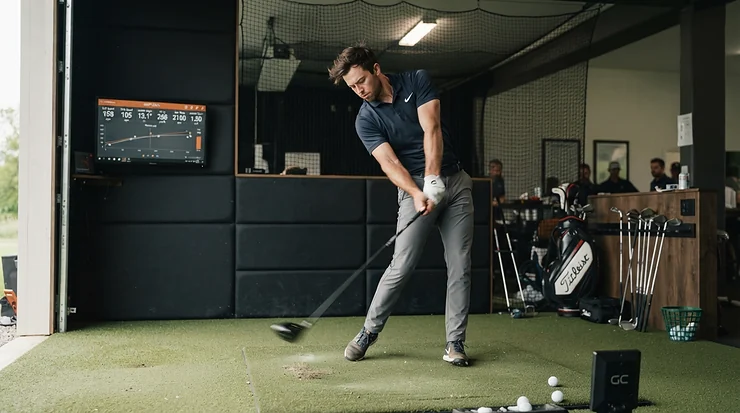
Radar units such as the ones reviewed below track the ball and the club, so they speak in carry, ball speed, launch angle and direction. They say nothing about your hands, hips or wrists. A wrist sensor does the reverse: it reports how your lead wrist bends at setup, the top and impact, and it cannot tell you where the ball went.
Mechanical aids sit at the cheap end. They measure nothing. They simply make a bad position feel wrong, which is a different kind of feedback, and sometimes the more useful one.
Plugged In Golf’s reviewer put the limit plainly for one radar unit: not suited to professional club fitting, but good enough for practice at any level. That is the right expectation for the whole price tier.
A five-step method before you spend a dollar
The tool matters less than the order in which you use it. This sequence keeps the data pointed at a fault instead of at curiosity.
- Name the miss in ball-flight words. “I slice my driver,” “my irons come out thin” and “I lose 15 yards on cold mornings” lead to three different measurements. If you cannot state the miss in a sentence, no device will state it for you.
- Match the measurement to the cause. Face and path problems show up in radar data. Speed problems need a golf swing speed radar or a speed mode. Faults that start in the hands, such as casting, flipping or a cupped wrist at the top, need a golf swing training aid wrist sensor or cue. A PGA Pro reviewing one wrist aid for Golf Insider says it is not worth buying if wrist setting is not a real issue in your game.
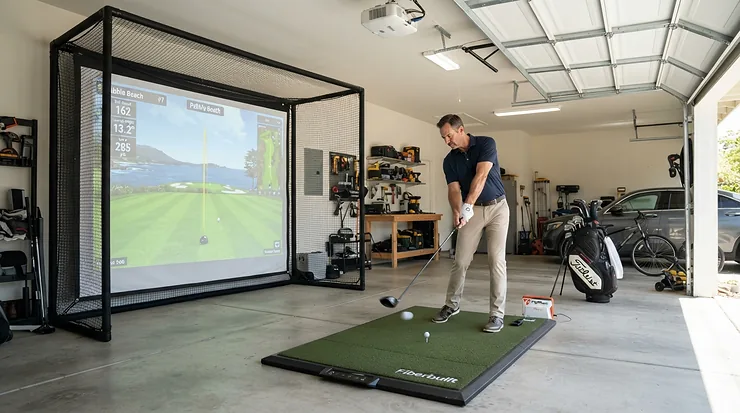
- Check your room before you check the specs. Radar needs ball-flight distance and space behind the tee. Tom’s Guide puts a home setup at about 14 feet in total: at least 8 feet from hitting position to net and 6 feet behind you for the monitor. Plugged In Golf got consistent data from the Garmin with only 6 feet to the net, so the sources disagree. Measure your room against the maker’s manual before you order.
- Log a baseline, change one thing, retest the same number. Resist fixing four faults at once. A GolfLink editor who trained with a wrist sensor two to three times a week for a month confirmed his path improvement on a separate monitor instead of trusting the sensor alone, which is a habit worth copying.
- Take the numbers to someone who can read them. Data names what happened. It rarely says why. The same GolfLink editor lists reinforcing an instructor’s lessons among the best uses for the sensor, and the Golf Insider reviewer says feedback devices do not fix a swing without practice.
Where the numbers mislead: spin, space and fit
Spin is the weakest figure on nearly every personal radar unit. Golf Monthly compared the original Voice Caddie SC4 against a Foresight unit on a 7-iron of about 165 yards and saw 5,976 rpm on the Voice Caddie SC4 against 4,129 rpm on the Foresight. That is one test on one club, but it matches Plugged In Golf’s finding that the Garmin Approach R10 reads higher spin on wedges and mishits, while well-struck shots from driver through scoring irons often landed within a couple hundred rpm of a pro monitor.
The takeaway is practical. Judge your carry, ball speed and launch angle by the numbers, and treat spin as a trend line.
Costs hide in the software. Tom’s Guide says many of the Garmin Approach R10‘s best features sit behind its membership, at $9.99 per month or $99 per year, while the practice modes keep working without it. The Voice Caddie SC4 Pro lists no annual fees, though more simulator courses beyond the one included need a separate E6 subscription, according to Plugged In Golf.
Fit trips up the wearable tools. One reviewer of the HackMotion sensor, writing for Golf Workout Program, found it slipped on small hands without a glove and that a poor fit at the start produced bad address-position data until corrected. On the maker’s own page for the SKLZ Hinge Trainer, the single posted review says it barely fits standard grips and fits midsize grips poorly. One owner’s report is thin evidence, but fit complaints are the sort of problem you want to know about before opening the box.
Then there is overload. The GolfLink editor warns that trying to perfect every part of the swing could do more harm than good, which is an argument for the one-fault rule in step four.
The best golf swing analyzers for each step of the method
Four tools, each tied to a different measurement. Two read ball flight, one reads the wrist and one is a cheap physical cue.
| Tool | What it gives you | Cost beyond the purchase | Space or fit note |
|---|---|---|---|
| Garmin Approach R10 | Ball and club data plus swing video | Membership of $9.99 per month or $99 per year for full simulator play | 6 to 8 feet behind the tee per Garmin; Tom’s Guide suggests 8 feet to a net |
| Voice Caddie SC4 Pro | Radar ball and club data plus a no-ball swing speed mode | No annual fee; extra E6 courses cost more | About 5 feet behind the hitting area |
| HackMotion Core | Lead-wrist flexion and extension angles | None; the maker describes a lifetime license | Wrist and hand fit decides data quality |
| SKLZ Hinge Trainer | A physical hinge cue, no numbers | None | Grip-size fit complaints on its page |
The cheapest and priciest tools solve different problems, so price is a poor way to rank them. The two radar units overlap heavily and differ mainly in video and subscription; the wrist tools overlap with each other only in the fault they target. Check current availability on Amazon.com for whichever one fits your fault.
1. Garmin Approach R10 — swing video synced to every shot
Practicing alone is where this unit earns its keep. In video mode the Garmin Golf app trims the recording so it shows the swing, not the waggles, and the clip loops beside the shot data until the next ball, according to Plugged In Golf. Seeing a steep downswing next to an attack-angle number is a more direct cue than either one alone.
Garmin’s published tolerances, quoted by Plugged In Golf, are 3 mph on club speed, 1 mph on ball speed, 1 degree on launch angle and direction, and 5 yards on carry, based on comparisons with a tour-level radar. That reviewer found it within those figures most of the time, and indoors “very acceptable” but less consistently exact. Tom’s Guide says it will not match a $10,000 monitor but falls within an acceptable range. Tom’s Guide puts the price near $500 to $600 depending on deals.
Pros:
- ✅ Automatic swing clips matched to each shot
- ✅ Rated up to 10 hours of battery life
- ✅ Practice modes work without a membership
Cons:
- ❌ Spin runs high on wedges and mishits, per Plugged In Golf
- ❌ Full simulator play needs the membership
- ❌ Needs six to eight feet of space behind the tee
2. Voice Caddie SC4 Pro — radar numbers, no annual fees
If distance control and speed are your faults, this is the one built around a golf swing speed radar workflow. Its display shows eight metrics: carry, launch direction, swing speed, ball speed, smash factor, launch angle, apex and spin. The app adds back spin, side spin, spin axis and dispersion, and no specially marked balls are required.
Plugged In Golf tested it indoors against a Foresight GCQuad with premium balls and found the numbers in line on virtually every shot, with spin the only figure significantly off and not a single missed shot. Launch direction, which drifted on the original SC4, was better. The swing speed mode logs total swings, daily average, daily best and all-time best without a ball, which suits winter practice at home.
Limits matter here. Minimum carry is 15 yards and minimum ball speed is 22 mph, so short chips are not measured, and per a reply in that review’s comments it does not record swing video. Golf Monthly’s review of the original Voice Caddie SC4 says the app could record video, so these are distinct versions. The Voice Caddie SC4 Pro will not connect to the old My Swing Caddie app either. Plugged In Golf cites a price between $500 and $600, with one E6 course and the range included for life.
3. HackMotion Core — wrist angles, tracked from setup to impact
Wrist faults are the ones you cannot see from the inside, which is why this sensor exists. It straps to the lead wrist and hand and reports flexion and extension at setup, the top of the backswing and impact, with color-coded feedback (red, yellow, green) and drills aimed at your top-priority flaw, per GolfLink.
GolfLink’s editor used it two to three sessions a week for a month. Too much wrist extension at the top was the main finding, and after a drill his path moved from more than 5 degrees over the top to 2 degrees or less on a SkyTrak ST MAX. His casting did not improve; the sensor flagged it on all but one of hundreds of swings. A reviewer at Golf Workout Program separately rated it highly for real-time feedback, while noting the glove-clip fix for small hands and bad data from a poor fit.
The maker’s own site lists the Core package between $275 and $345 with a lifetime license and no weekly, monthly or annual fee, while the Plus tier that adds putting costs noticeably more, at around $490 to $495 according to the maker and GolfLink.
Pros:
- ✅ Direct feedback on wrist angles, which radar cannot give
- ✅ No subscription, per the maker
- ✅ Guided drills target one fault at a time
Cons:
- ❌ Over $300 at the low end, a real investment per GolfLink
- ❌ Fit affects accuracy, especially on small hands
- ❌ Core leaves out putting; the higher tiers add it
4. SKLZ Hinge Trainer — a budget cue for backswing hinge
A mechanical aid answers a different question: not “what are my angles?” but “does this position feel right?” The SKLZ Hinge Trainer is meant to set the correct hinge position at the top of the backswing, encouraging an early wrist set for clubface alignment and on-plane swings, and the maker’s page lists it around $20 for both right- and left-handed golfers.
Evidence is sparse. The maker’s page carries one review, which complains about fit on midsize grips and a tight squeeze even on standard ones. The sturdier reference is the PGA Pro at Golf Insider reviewing the Swingyde, a pricier rival that gives feedback on bowed or cupped wrists as well as hinge timing. He calls it fiddly to attach, notes that very weak or very strong grips can make the cup miss the forearm and says copycats are inferior.
Golf Monthly’s review of the ProSENDR, which cradles the trail wrist in carbon fiber, offers one more data point: the reviewer says the feel carried over once the aid came off after about a dozen shots, and the one criticism was that it feels a little overpriced. Whichever wrist cue you choose, the test is whether the position survives without it.
What golf swing analyzers reviews agree on, and where they split
Across the pages above, the agreement is narrow but useful. Ball speed, carry and launch angle from personal radar units are good enough for practice. Spin is the number most likely to be off. Wearable tools depend on a proper fit. And software costs can outrun the sticker price.
The splits are about space and video. Tom’s Guide wants 8 feet to the net, while Plugged In Golf got consistent data from 6. Golf Monthly says the original SC4’s app records video; a comment on the SC4 Pro review says the Pro does not. When sources disagree on a spec, the manual for your exact model decides.
Radar, wrist sensors and running costs: quick answers
❓ Are golf swing analyzers accurate enough to trust?
❓ Do swing analyzers need a subscription?
❓ What does a golf swing speed radar actually measure?
❓ Does a wrist training aid work without a sensor?
❓ Can a swing analyzer replace lessons?
Which one to start with
Start with the fault, not the gadget. If you want ball flight and a video of every swing, the Garmin Approach R10 is the better fit, provided you can live with the membership for simulator play. If you mostly want distance and speed numbers without annual fees, the Voice Caddie SC4 Pro makes sense. For hand-driven faults, the HackMotion Core is the measurement tool and the SKLZ Hinge Trainer is the cheap cue.
My pick for a buyer working on one repeatable miss: a radar unit first, then a wrist tool only if the numbers point to the hands. Golf swing analyzers reward patience and one change at a time. Check current availability on Amazon.com before you decide.
Recommended for You
- Golf Swing Analyzer for Home: Top 7 Systems to Master Your Game in 2026
- Best Disc Golf Accessories Pro Players Can’t Live Without in 2026
- Golf wedges: 6 models and what separates them
Disclaimer: This post contains affiliate links. As an Amazon Associate, I earn from qualifying purchases made through these links, at no additional cost to you.
Know which fault you’re chasing? Compare the matching tool’s listing on Amazon.com and read the fit notes first.